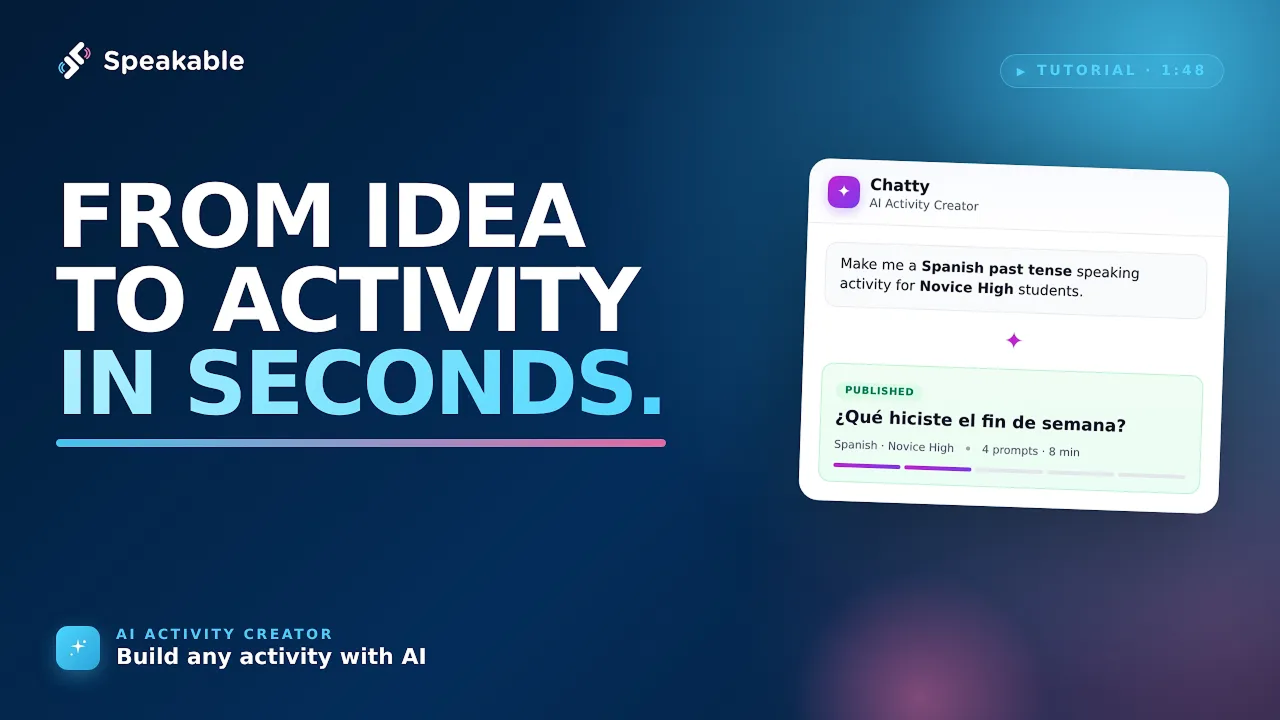
Discover how to use Speakable's updated AI Activity Creator to easily generate and customize language practice exercises. Learn how to input prompts, add media, and utilize the new AI editor to refine your activities.
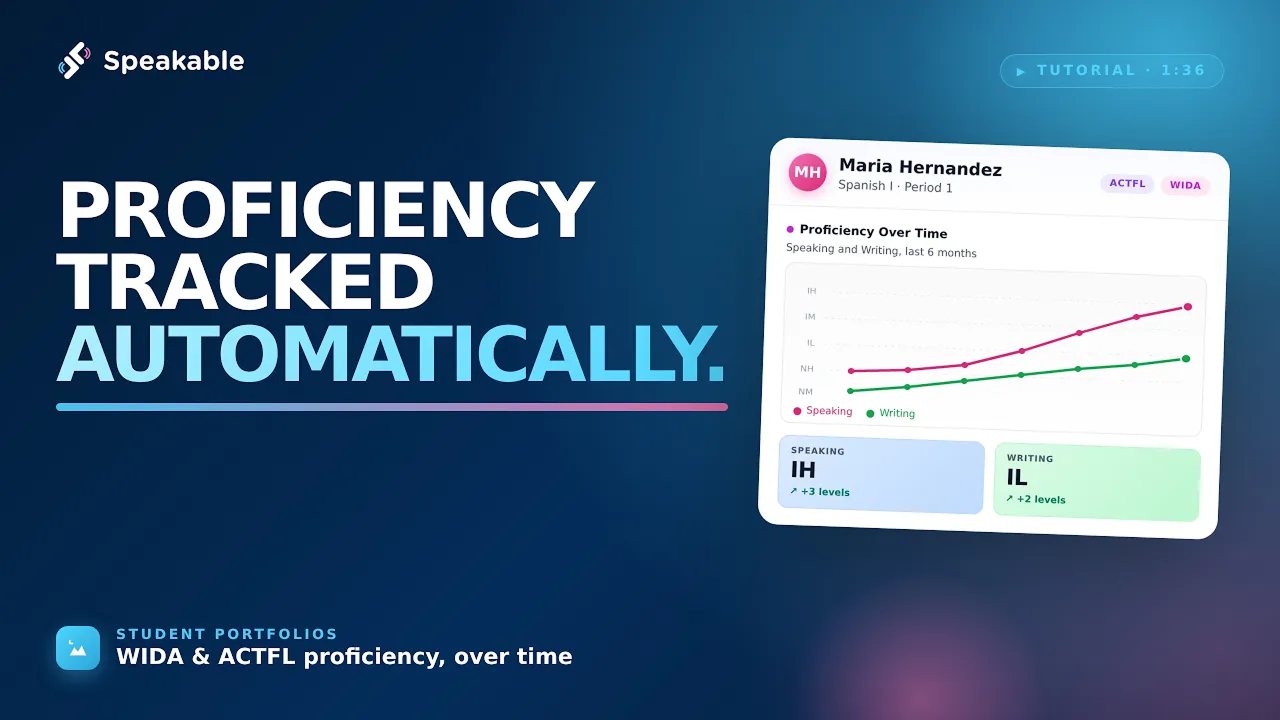
Learn how Speakable automatically organizes student responses into portfolios and estimates proficiency levels based on standards like ACTFL, WIDA, TELPAS and more. This tool helps educators track progress and provide evidence-based feedback on student performance.
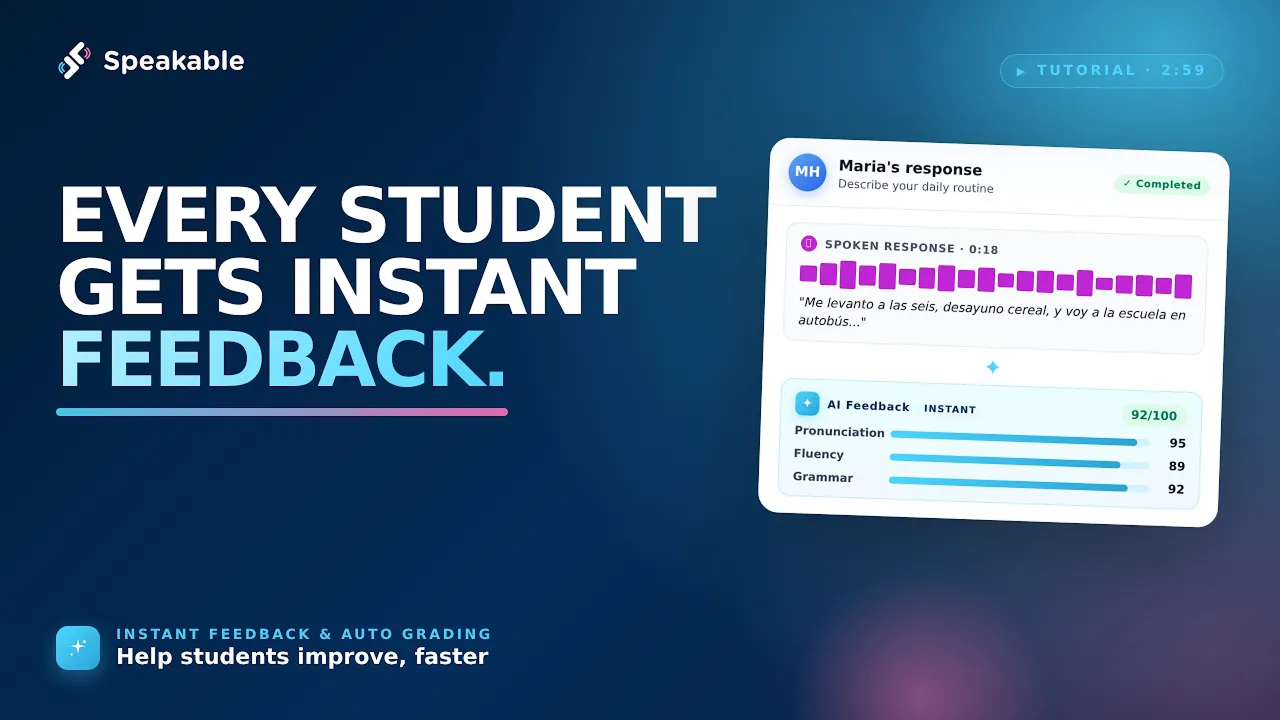
Learn how to configure Instant Feedback and Auto Grading settings to customize the student experience. Discover how to manage rubrics, adjust grading methods, and control when students receive their feedback and scores.
Learn how to configure conversation pages for your students by setting proficiency levels, topics, and goals. This guide also covers optional support features and how to access pre-built activities in the Discover library.
Want Help From the Speakable Team?
Our team can walk you through Speakable, answer setup questions, and help you find the right features for your classroom, school, or district.
.svg)