Write Any Prompt, Attach Any Media
Type your prompt and add context students need: an image, an audio clip, a video, or a link. Use AI Context to give the grading model background for the activity.
Turn On Instant Feedback, or Leave It Off
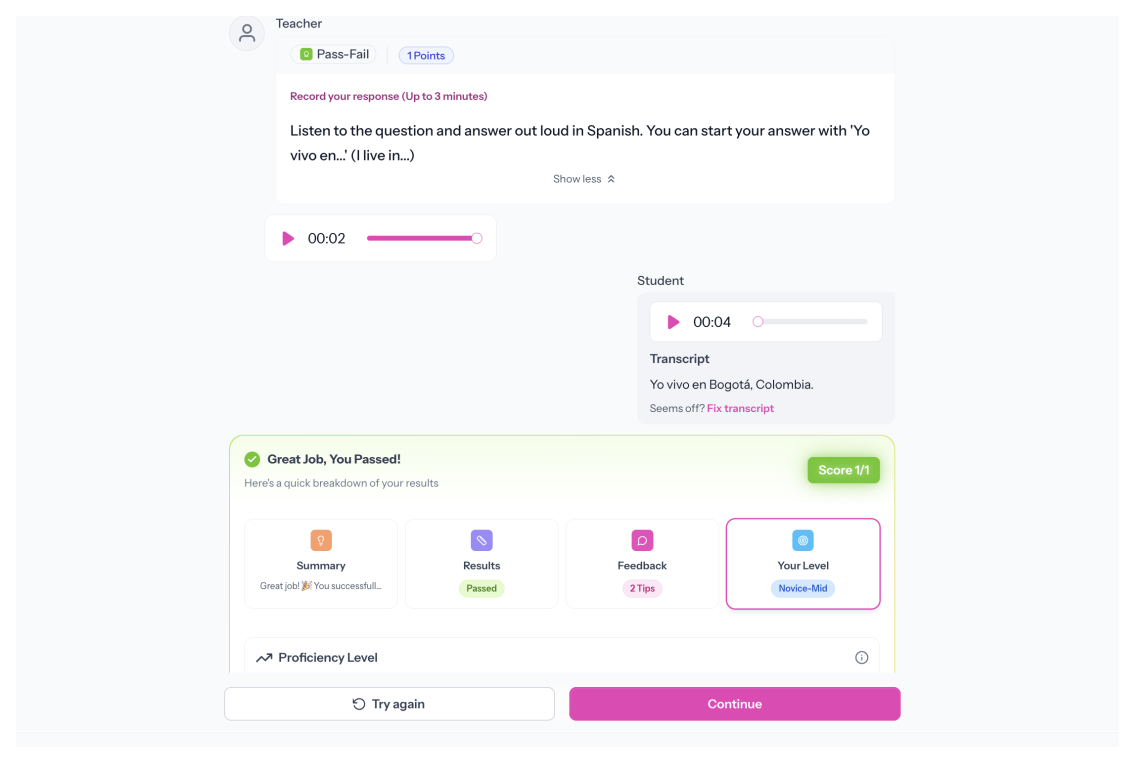
AI feedback is optional. If you turn it on, choose what students see: grammar insights, a suggested response, a proficiency estimate, or any combination. Feedback can be delivered in the student's native language.
Grade Automatically, or Not at All
Automatic grading is optional. If you turn it on, choose the method: Pass-Fail, Standards-Based, or Rubric. Each option grades the moment students submit.
Set the Parameters That Matter for Your Class
Set how long students can record, whether they can try again, and whether the prompt is read aloud with text-to-speech. Settings are per-page, so each one can be different.
.svg)