What kinds of images can AI Studio generate?
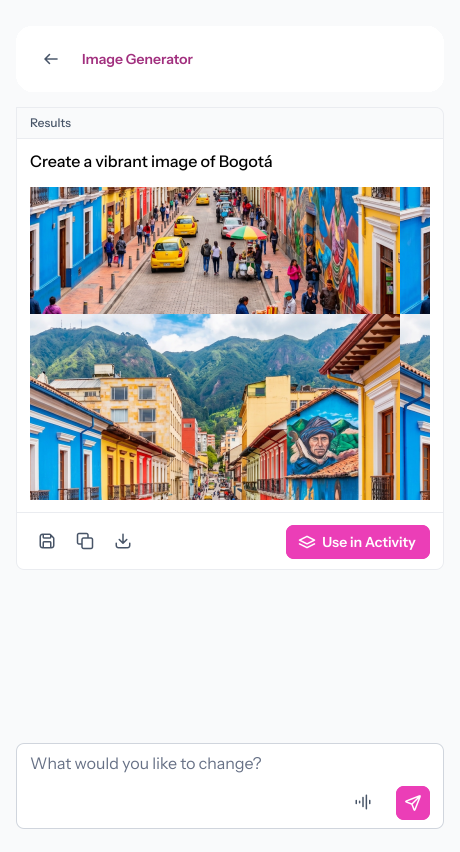
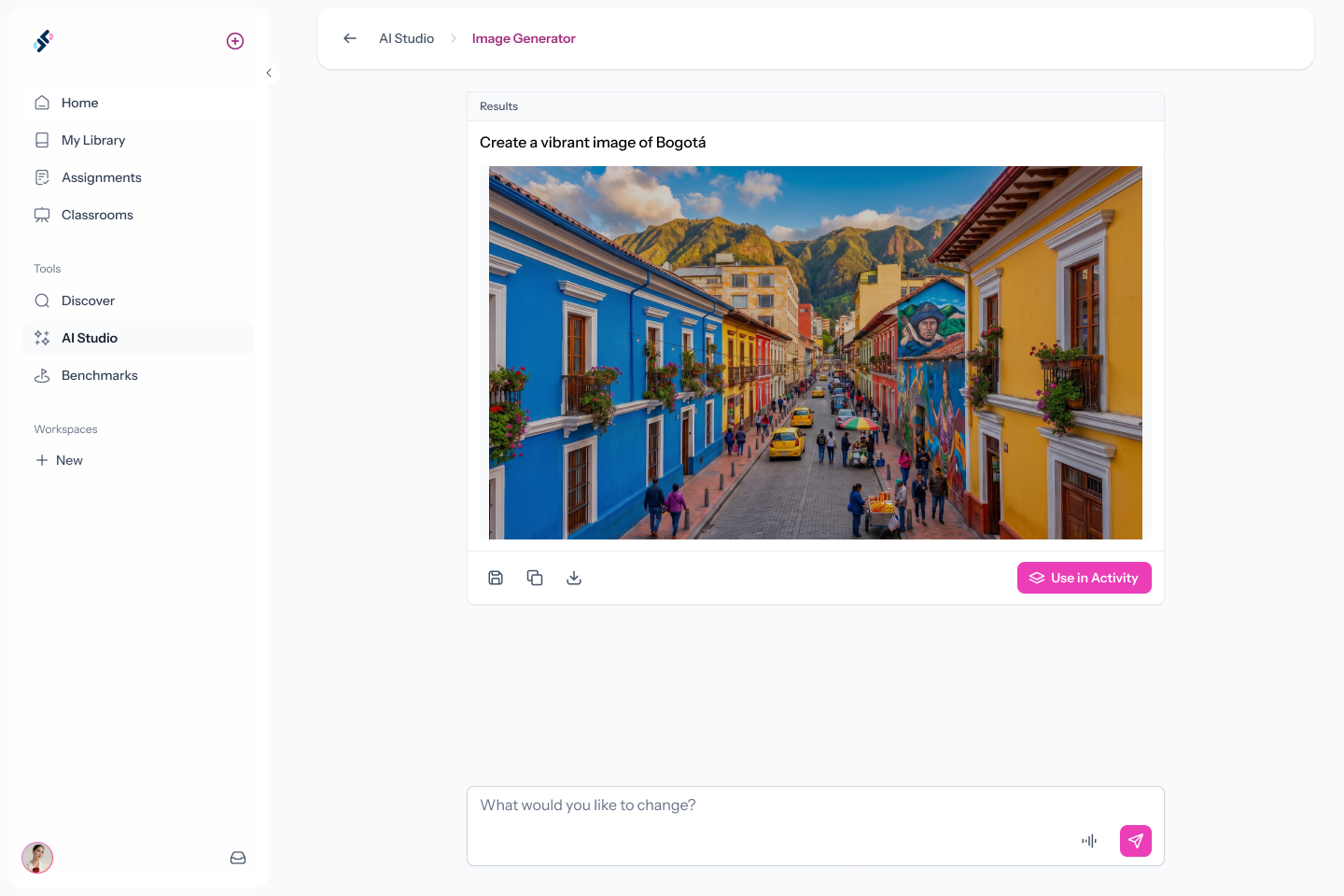
Any classroom-appropriate image you can describe, including scenes, objects, people, settings, and cultural contexts. If you can describe it, AI Studio can generate it.
Can I control the visual style or image dimensions?
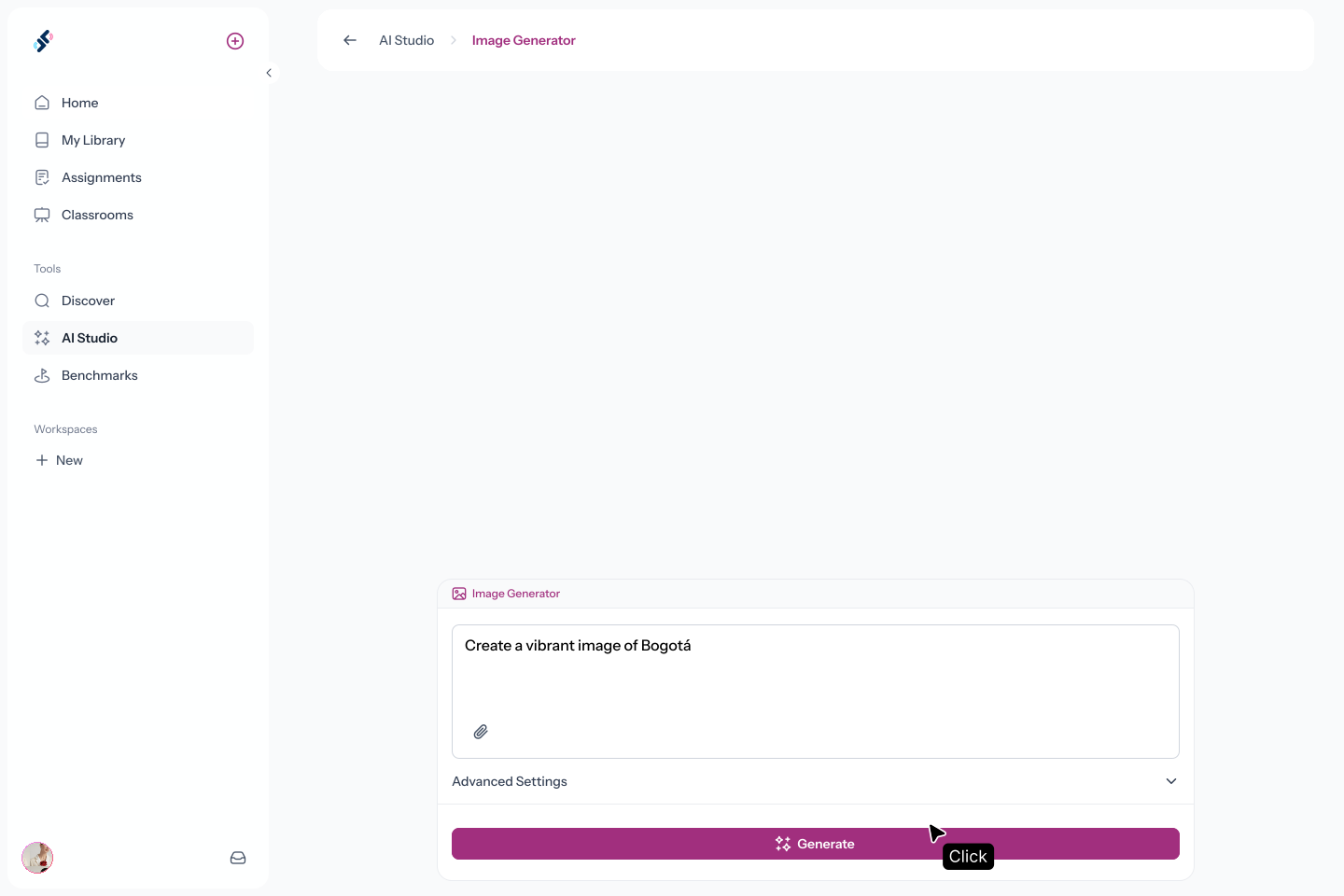
Yes. Advanced Settings let you choose a visual style preset, aspect ratio (square, landscape, portrait), and image size up to 2K.
How does "Use in Activity" work?
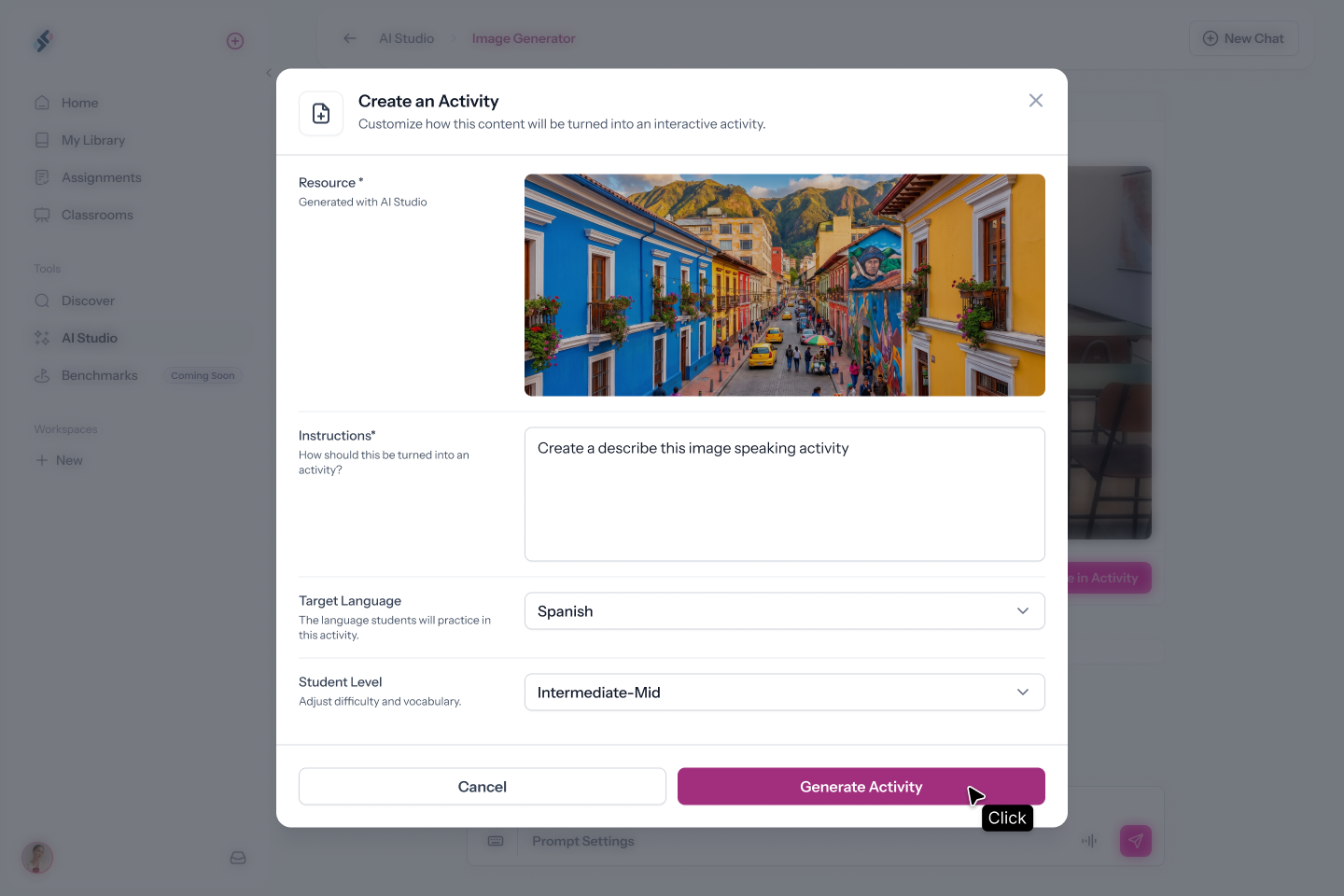
After generating an image, click "Use in Activity" and describe what students should do with it, for example, "create describe this image activity". Speakable generates the activity in the background while you keep working.
Where do generated images get saved?
Images can be saved to your media library and used in activities.
.svg)