




Connect Your School's Tools

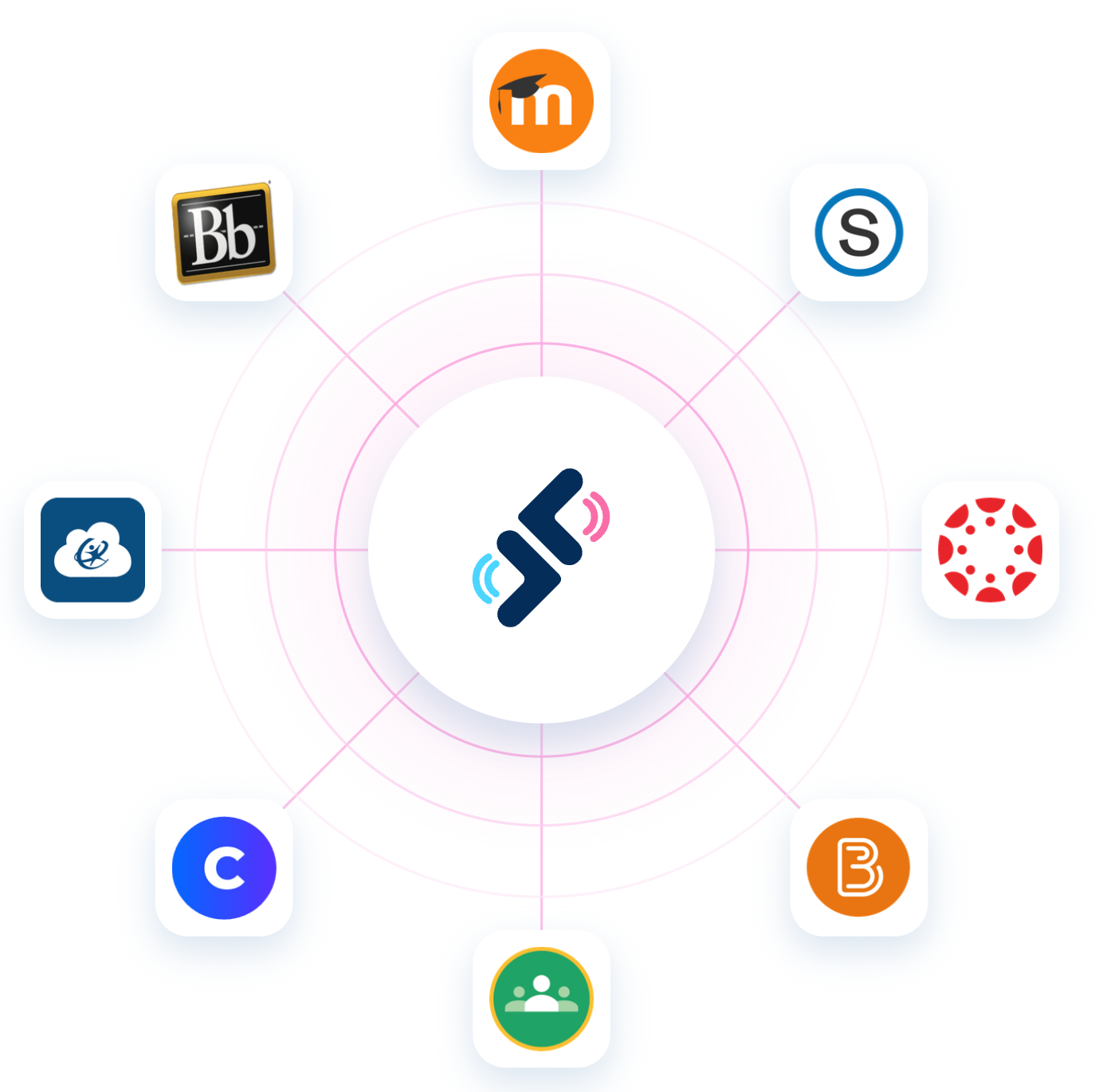
Connect Speakable to your LMS, rostering platform, and more.
Header image

All Integrations

Connect Speakable to the tools your school already uses.
Integration icon

Google Classroom

No admin required — teachers connect their own Google account. Roster sync and single sign-on with Google are included on all plans. Assignment syncing and grade passback are available on Team and Organizations plans.
Integration icon

Clever

If Speakable is in your district's Clever library, teachers and students sign in with their Clever credentials and rosters sync automatically. Teachers connect from their account settings in minutes — no IT ticket needed.
Integration icon

Canvas

Admin sets up Speakable in Canvas once via LTI 1.3. Teachers and students sign in through Canvas, teachers assign Speakable activities from inside their courses, and grades sync back to the Canvas gradebook automatically. Requires an Organizations plan.
Integration icon

Schoology

One LTI 1.3 setup, and Speakable is available across your organization. Sign in through Schoology, assign from inside courses, grades post automatically. Requires an Organizations plan.
Integration icon

Blackboard

Admin configures Speakable in Blackboard once via LTI 1.3. Sign in through Blackboard, assign from inside courses, grades pass back automatically. Requires an Organizations plan.
Integration icon

Brightspace

One LTI 1.3 setup connects Speakable to D2L Brightspace. Sign in through Brightspace, assign from inside courses, grades sync back automatically. Requires an Organizations plan.
Moodle logo

Moodle

Admin connects Speakable to Moodle once via LTI 1.3. Sign in through Moodle, assign from inside courses, grades return to the gradebook automatically. Requires an Organizations plan.
ClassLink logo

ClassLink

Connect your SIS through ClassLink and Speakable is fully configured before teachers log in for the first time — students, teachers, sections, schools, and enrollments all synced automatically. Also powers org-level progress tracking and reporting. Requires an Organizations plan.

CSV Import icon

CSV Import

Upload a CSV from your SIS to fully populate your Speakable organization — students, teachers, sections, schools, and enrollments. Same result as ClassLink, no connector required. Requires an Organizations plan.

FAQs

Which integrations can a teacher set up on their own?
Google Classroom and Clever. Both are free and can be connected without admin help.
Do Google Classroom and Clever cost extra?
Clever is free for all teachers. Google Classroom roster sync and sign-in are also free on all plans. Assignment syncing and grade passback with Google Classroom require a Team or Organizations plan.
Which integrations require an admin?
Canvas, Schoology, Blackboard, Brightspace, Moodle, and ClassLink all require an administrator to set up at the organization level and require an Organizations plan.
What is LTI 1.3?
LTI 1.3 is the standard protocol that connects Speakable to your LMS. It enables single sign-on, activity launching, and grade passback without any manual steps.
What if my LMS isn't on this list?
If your LMS supports LTI 1.3, we can likely connect to it. Reach out and we'll work through the setup with your IT team.

Speakable Works Better When It Works With Your Tools.

Connect your LMS, sync your roster, and your whole school is ready to go.