Feedback for Every Student, Every Time.

Assign speaking and writing activities. Every student gets instant AI feedback the moment they complate a response.
Header image
Features

Explore Every Page Type

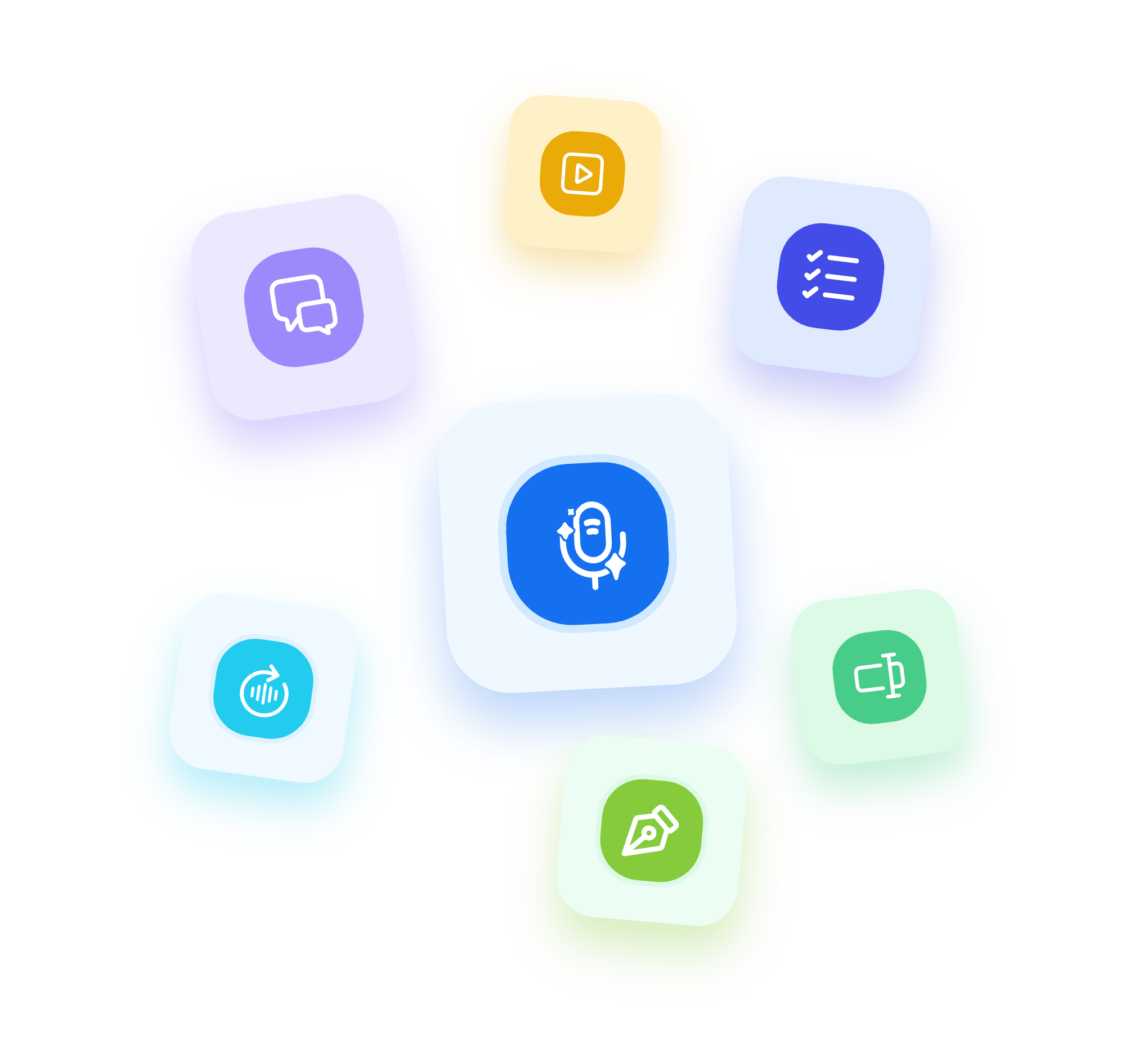
Speakable supports seven page types for engaging language practice. Each one gives students instant feedback and gives you results without a grading pile.

Conversations

Students hold multi-turn AI conversations, graded against your rubric.

Spoken Open Response

Students respond to any prompt with a spoken recording, graded against your rubric automatically.

Written Open Response

Students respond to any prompt in writing, scored against your rubric the moment they submit.

Listen & Repeat

Students listen to a model recording and repeat it. They get pronunciation feedback on every attempt.

Short Answer

Students answer comprehension or language questions. Every response auto-grades in real time.

Media

Add text, audio, video, images, podcasts, and text-to-speech to any activity or as a resource alongside other page types.

Multiple Choice

Students answer comprehension or language questions. Every response auto-grades in real time.

“With Speakable, feedback is now FULL POWER. Within 24 hours of posting my first assignment, 8 students came up to me, completely unsolicited, to tell me how much they ENJOYED that assignment.”

Emily H.
Teacher & Content Producer
How it works

Help Student Grow in Three Steps

Assign an Activity

Build an activity to assign in minutes using the Speakable AI Builder, or copy and assign from the community library with thousands of activities created by educators.

Students Practice at Their Own Pace

Students complete tasks whenever and wherever works for them. They get instant AI feedback the moment they submit a response.

Review Results and Track Growth

Open the gradebook to see every student's score, adjust any grade, and leave additional feedback where it matters. Every response is saved to the student's portfolio automatically.

FAQs

What kinds of activities can I assign?
Seven types: Conversations, Spoken Open Response, Written Open Response, Listen & Repeat, Multiple Choice, Short Answer, and Media pages. You can mix and match within a single assignment.
What feedback do students get?
Speakable can show grammar insights, rubric-based scores, a proficiency level estimate, and a suggested response. You choose which feedback options are visible for each activity.
Can I control what feedback students see?
Yes. Each feedback option is configurable per activity. You decide what students see and when.
Does this add to my grading workload?
No. Every response is automatically scored against your rubric. With automatic grading enabled, you can review results in the gradebook and adjust any score, as the initial pass is done automatically.
Can I add audio, images, or video to activities?
Yes. You can add text, audio, video, images, podcasts, and text-to-speech to any activity, either as part of the activity itself or as a media resource alongside other page types.
How do students access practice?
Students log in through your LMS, Google Classroom, or directly through Speakable. Activities appear in their assigned coursework and can be completed at their own pace.

Give Every Student the Practice They Need.

Every student deserves individual feedback, not just the ones you have time to reach. Speakable makes that possible for every activity, every class, every day.