Can I edit what AI Studio generates?
Yes. Every output opens in an editor or AI studio, where you can make edits or continue chatting with AI to refine it. You stay in control of the final result.
Does AI Studio work in all 40 languages?
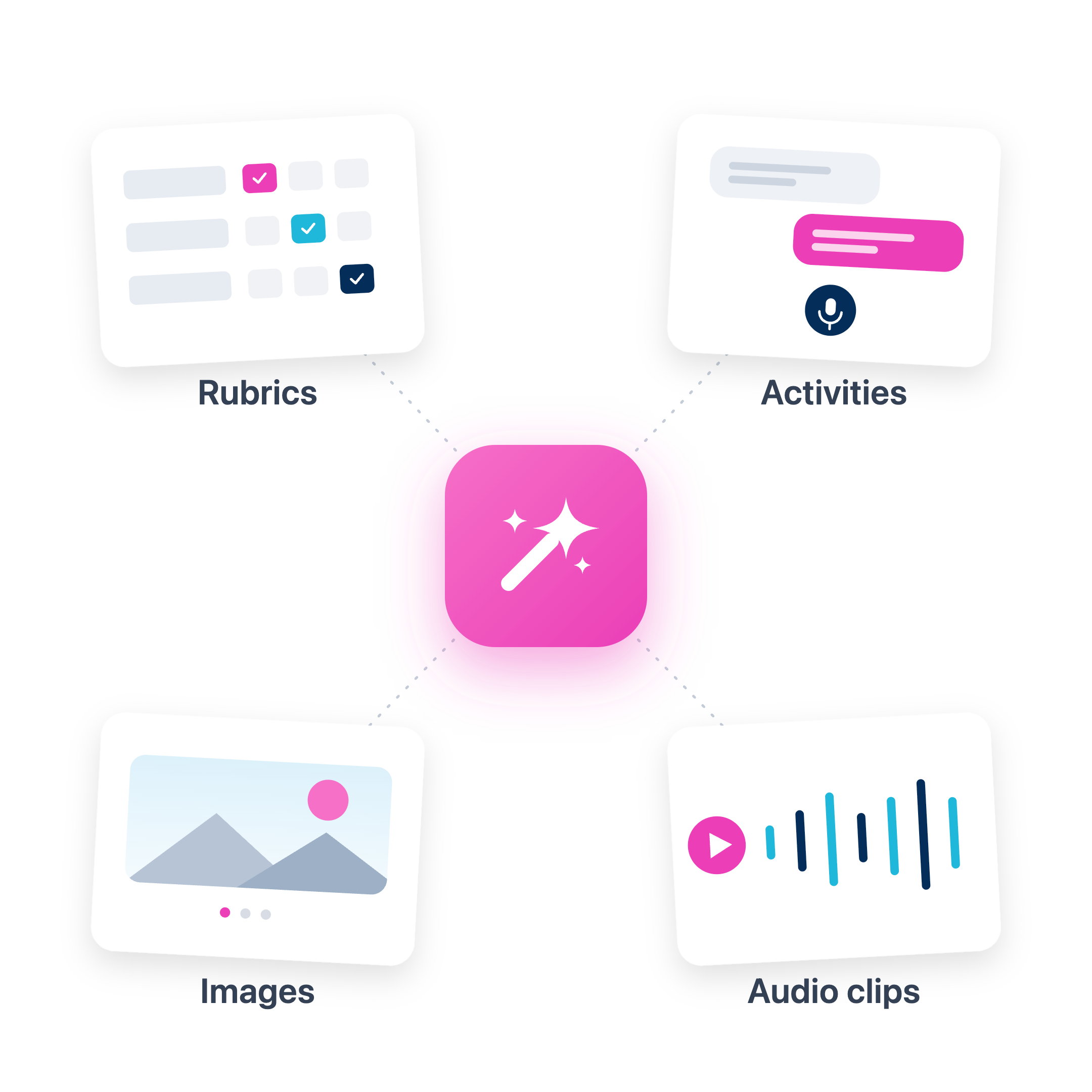
Yes. Activities, rubrics, audio clips, and images can all be generated in any of the 40+ languages Speakable supports.
How do I add audio or images to an activity?
Once generated, audio clips and images can be saved to your media library and added to any activity directly from the builder.
Is this different from using ChatGPT to plan a lesson?
Yes. What you build in AI Studio is immediately usable with students inside Speakable. A ChatGPT lesson plan still needs to be formatted, assembled, and uploaded. An AI Studio activity can be assigned in two clicks.
Can program coordinators use AI Studio to build shared content?
Yes. Program coordinators can use AI Studio to create shared activities, rubrics, and course materials at the program level and assign them to every teacher section.
.svg)