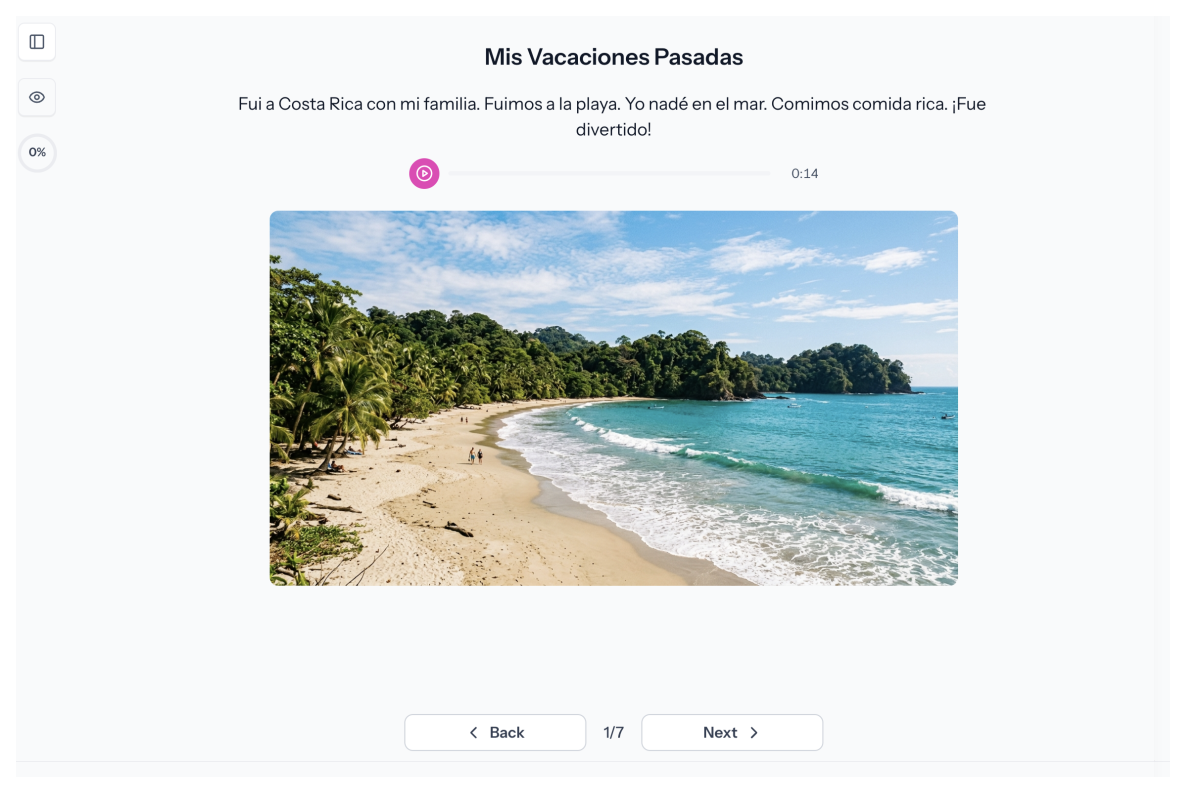
Everything Your Students Need, Right Inside the Activity
Embed Images From Google or Unsplash
Search Google or Unsplash in the Media builder and add an image in one click, no downloads or license hunting.
Embed Video From YouTube
Search YouTube and embed video directly, so students watch in Speakable without leaving the activity.
Record or Upload Audio
Record audio in the builder or upload a file. Use it for passages, listening prompts, model sentences, and more.
Add Documents and Podcasts
Upload a document or embed a podcast link. Keep reference materials, readings, and extras in the same place as the activity.
Add Text-to-Speech Content
Type any text and let TTS read it aloud. Great for passages, instructions, and audio support.
Format Content Like a Real Document
Use headings, paragraphs, lists, quotes, and checklists to keep content clear and scannable.
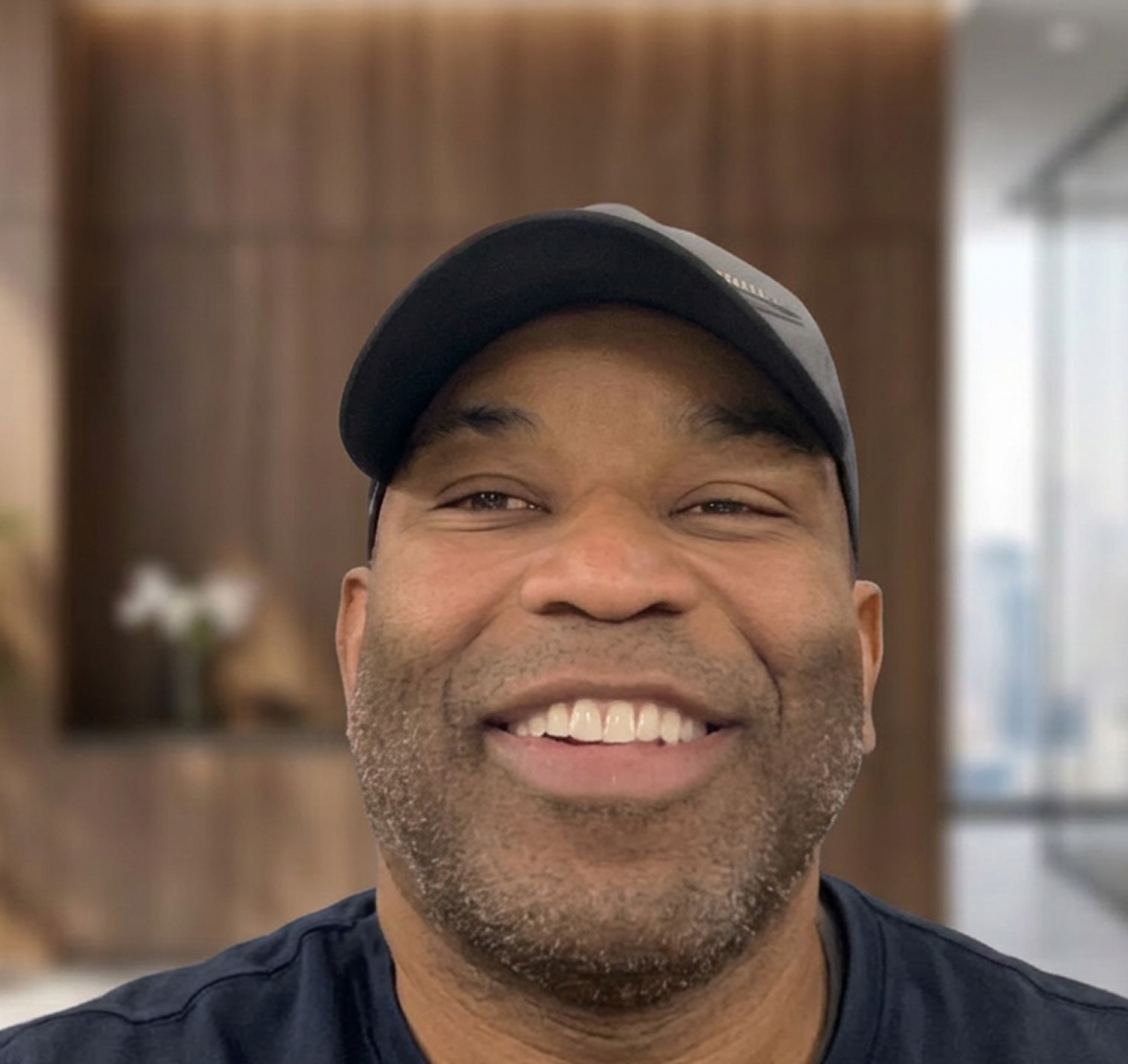
“What I love about Speakable is the ease of lesson creation and the immediate rubric-based feedback students receive. I can create media clips and pictures for real-world context, which is essential for our immigrant students.”
Jake S.
Math Teacher
How it works
Add It Once. Students See It in the Activity.
1
Choose What to Add
Pick a content type: image, video, audio, document, podcast, or text-to-speech. Search in the builder or upload your file.
2
Arrange and Format
Mix content on one media page. Add context, organize with headings and lists, and keep it easy to scan.
3
Students Access It in the Activity
Students see everything in the activity, no links, no extra tabs, no distractions.
FAQs
What types of media can I add to a Media page?
Images (searched from Google or Unsplash), videos (searched from YouTube or embedded), audio (recorded in the builder or uploaded), documents, podcasts, and text-to-speech content.
Can I search for images and videos without leaving Speakable?
Yes. The Media builder connects to Google, Unsplash, and YouTube so you can find and embed content without opening another tab.
Can I record audio directly in the builder?
Yes. Record audio for students right inside Speakable. You can also upload an existing audio file if you prefer.
Can I combine multiple content types on one page?
Yes. A single media page can include images, video, audio, text, and formatted content together. Arrange them however your lesson needs.
Do Media pages have grading or response options?
No. Media pages deliver content, not responses. Pair them with practice page types like Spoken Open Response, Written Open Response, or Multiple Choice.
How do students access practice?
Students log in through your LMS, Google Classroom, or directly through Speakable. Activities appear in their assigned coursework and can be completed at their own pace.
All Your Content. One Place. No New Tabs.
Every resource students need belongs inside the activity. Media pages help you deliver rich, organized content without sending anyone away.
.svg)