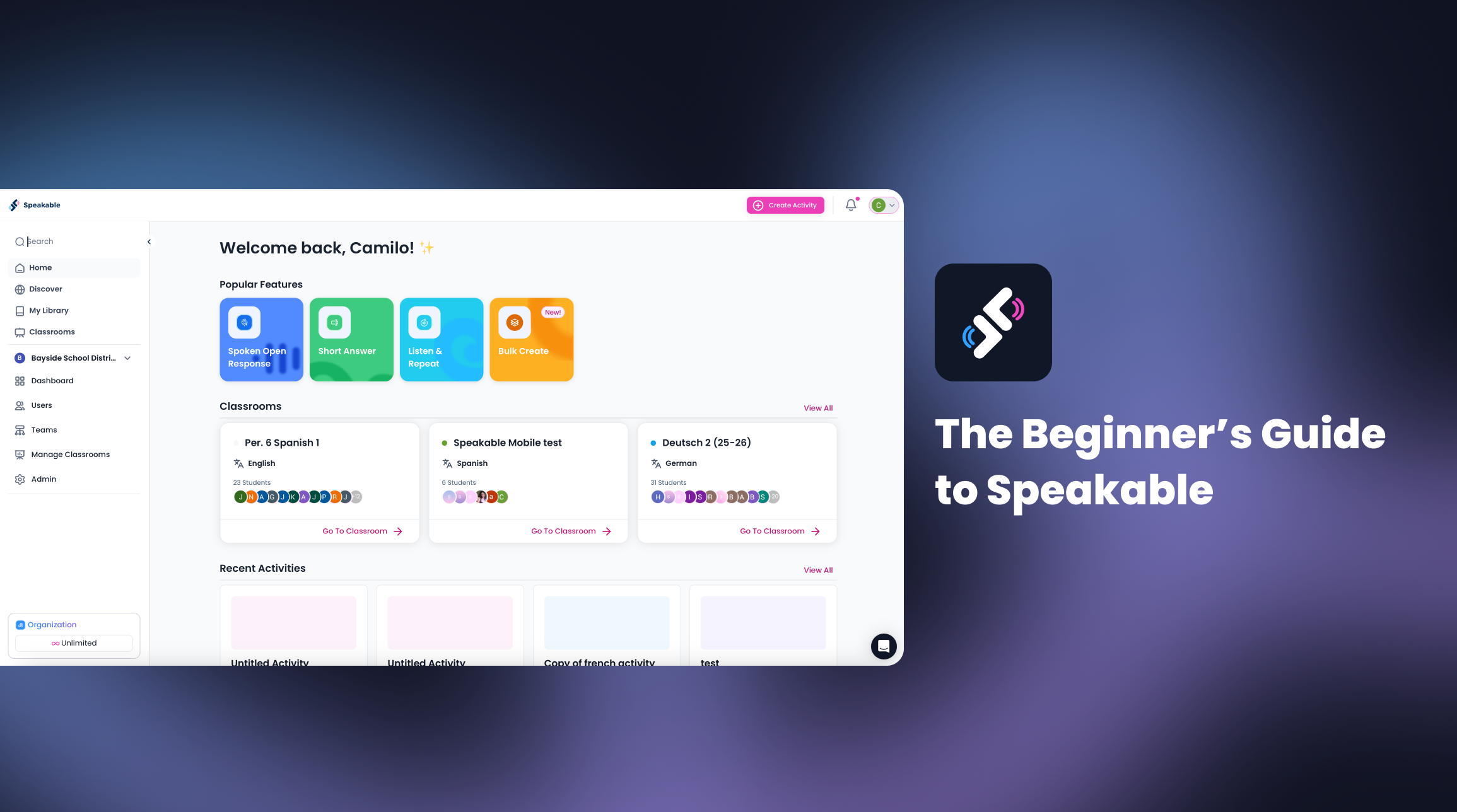
The Beginner’s Guide to Speakable
For teachers new to Speakable, here’s everything you need to know to start assigning, listening, and giving feedback in minutes.
📚 1. Create Your First Classroom
Start by setting up your first classroom to organize your students and track progress.
- Go to your dashboard and click “Create Classroom.”
- Give it a name (for example, Spanish 2 – Period A).
- Invite students using your unique class link or code.
💡You can also import your Google or Clever Classroom.
💡 Teachers receive 1,000 free credits when creating their first classroom.
📄 2. Choose or Create an Assignment
Once your class is ready, it’s time to give your students a speaking task.
- Explore Activities for ready-to-use prompts organized by level and theme on the Discovery section.
- Or, click “Create Activity” at the top-right to build your own using text, audio, or video input.
- Add the grading method; you can select from Pass/Fail, Standards-Based, Rubric, or Manual Grading, depending on your goals.
📤 3. Share It With Students
When your assignment is ready, click “Publish” and then “Publish & Assign”
They’ll record, submit, and instantly see AI feedback on fluency, completeness, and your different criteria.
📊 4. Review Results and Feedback
Once students submit, open your Results View to explore:
- AI-generated feedback for each response
- Completion and average score summaries
- Board View to visualize which students have completed tasks
- Matrix View for a complete snapshot of student performance by question
Everything is designed for quick review and meaningful next steps.
📝 5. Explore and Keep Learning
Speakable continues to evolve based on teacher feedback.
Explore:
- Assignments & Results (Beta): now becoming the new default on November 15
- AI Grading settings: adjust rubrics or feedback levels
- Team and Org features: for schools using Speakable in multiple classrooms
Ready to Start?
You’re just one click away from your first assignment.
Create your class, try an activity, and see how easy it is to bring more speaking practice to your students.
Try Speakable Now
.svg)




.png)