How to Enable the New Assignment Results
Want to try out the new beta version of assignments and results? Here’s how to turn it on:
- Go to Settings
- Click on your profile picture in the top right corner.
- Select Settings from the dropdown.
- Find Beta Features
- Scroll down to the bottom of the page.
- Look for the section called Beta Features.
- Toggle On the New Assignment Experience
- Switch on “New Assignment and Results Experience.”
- Click Save.
- Preview and Assign
- When you click Preview, you’ll now see the new beta layout.
- When scheduling an assignment, ensure that the “Try our new assignment experience” banner is checked.
✅ That’s it! From now on, every new assignment will use the new beta results view, giving you a smoother grading experience.
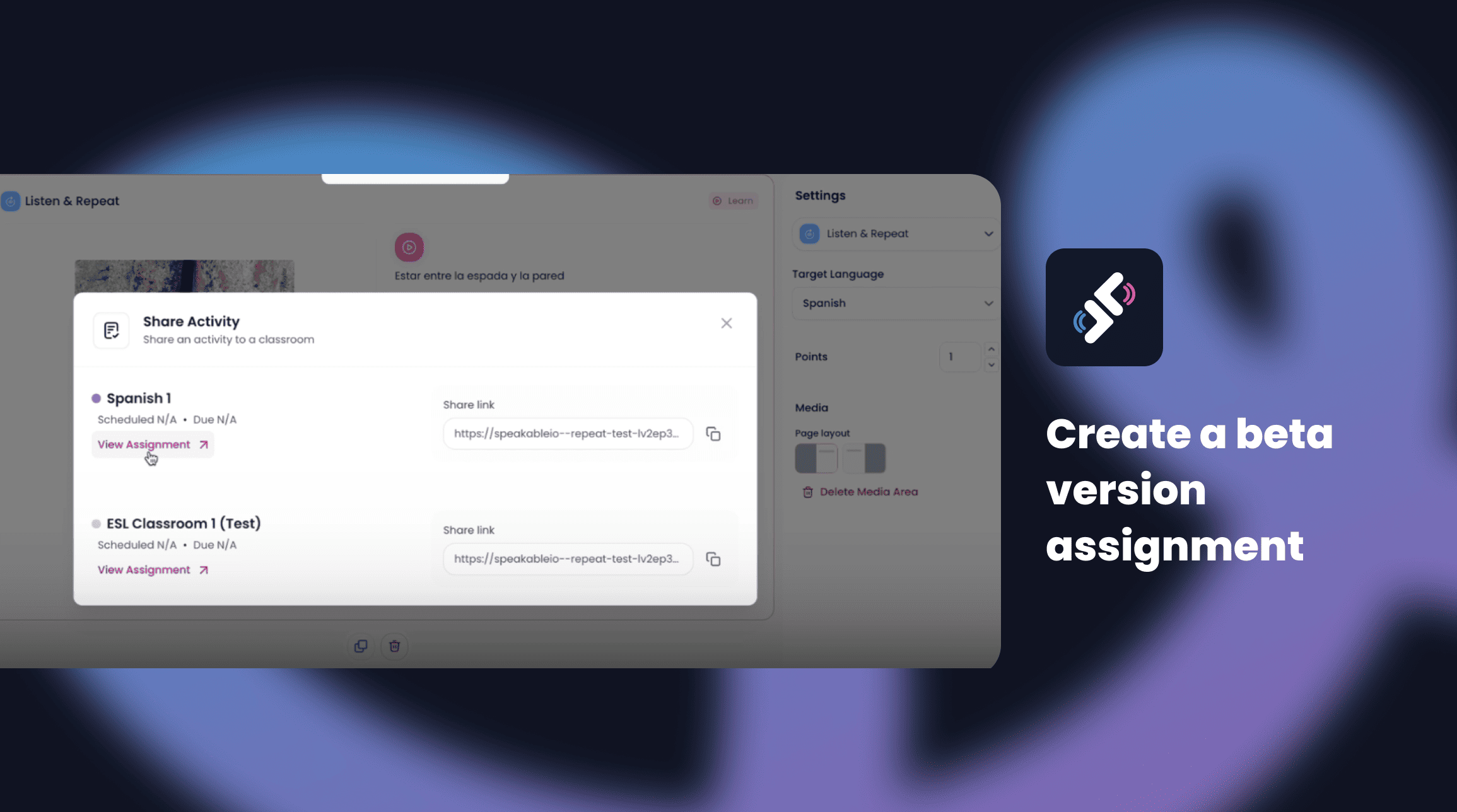
📹 Want to see it in action? Watch this quick walkthrough video for a closer look: Getting Started with the New Beta Assignment and Results Feature
.svg)



.png)